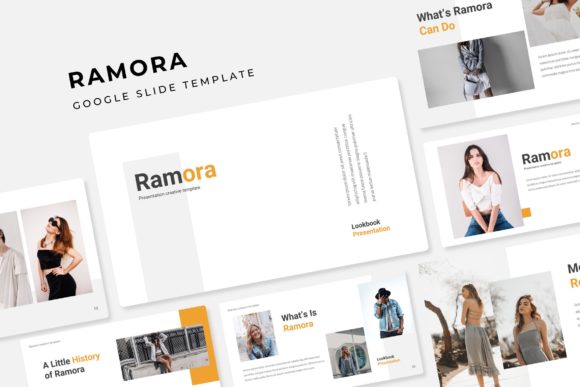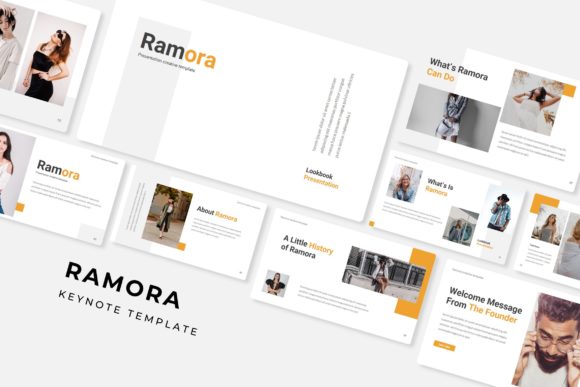
Ramora: A Versatile Keynote Template for Modern Presentations
Creating a presentation that truly resonates requires more than just compelling data; it demands a visual framework that supports your narrative and engages your audience from the first slide to the last. For professionals, entrepreneurs, and creators, the difference between a forgettable slideshow and a persuasive presentation often lies in the design assets you choose. The Ramora Keynote Template is built to bridge that gap, offering a robust toolkit designed for clarity, professionalism, and creative flexibility.
A Foundation for Visual Storytelling
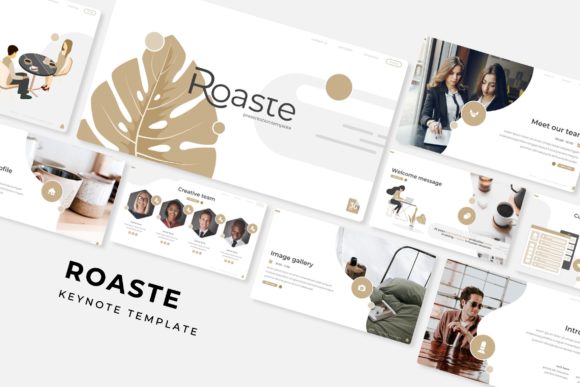
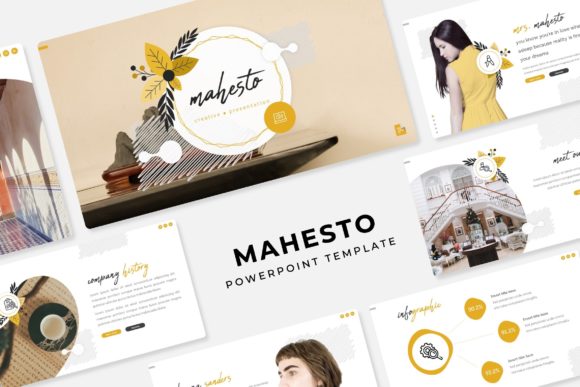
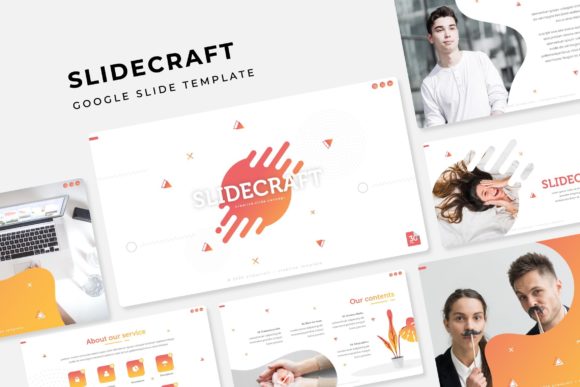
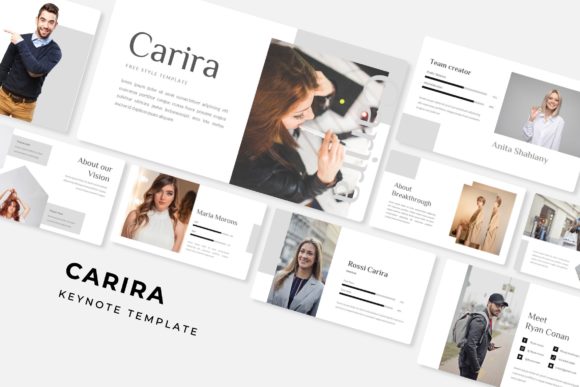
At its core, the Ramora template is a comprehensive presentation system. It ships with over 150 total slides, but its true strength is in the organized, premade structure. The package includes five distinct color themes, each containing 30 carefully crafted slides. This means you’re not starting with a blank canvas and a single style; you have five complete, cohesive visual identities ready to deploy. Whether your brand leans towards a cool, corporate blue or a vibrant, energetic palette, there’s a theme that can be adapted to your message. This pre-structuring saves immense time and eliminates the guesswork of building a professional deck from scratch.
Beyond the standard content slides, the template includes dedicated section break slides and gallery/portfolio layouts. These are critical for maintaining visual rhythm and giving your audience natural moments to absorb information. A well-designed section break slide can signal a shift in topic, while a clean portfolio grid can showcase your work with the impact it deserves. The inclusion of handcrafted infographics is another standout feature, transforming complex statistics into clear, shareable visual stories that are far more memorable than bullet points.
Practical Design Meets Pixel-Perfect Execution
What makes a design asset truly valuable for a working professional? It’s the combination of aesthetic appeal and practical utility. Ramora is built on master slides, which is the backbone of efficient PowerPoint and Keynote design. This ensures consistency across every page and makes global changes—like updating a font or color scheme—incredibly simple. Every graphic and illustration is pixel-perfect, meaning they scale cleanly and maintain their sharpness, whether you’re presenting on a laptop screen or a large projector.
The template also embraces modern workflow needs with resizable and editable graphics and intuitive picture placeholders. The drag-and-drop functionality for images allows you to customize the presentation quickly without wrestling with complex formatting. This is a huge advantage for small business owners or marketing teams who need to produce high-quality presentations under tight deadlines. The goal is to spend less time on technical formatting and more time refining your core message.
From Pitch Decks to Brand Guidelines
The applications for a versatile presentation template like this extend far beyond a simple sales pitch. Consider how it can serve as a dynamic tool for your broader brand and marketing strategy.
- Brand Identity & Guidelines: Use the consistent slides to document your brand’s voice, color palette, typography, and logo usage rules. A well-organized brand deck is invaluable for onboarding new team members or briefing external contractors.
- Marketing & Sales Collateral: Quickly generate tailored client proposals, product launch decks, or quarterly business reviews. The pre-built infographics are perfect for illustrating marketing campaign results or sales funnel metrics.
- Educational Content & Workshops: Structure online courses, webinar slides, or internal training materials. The clean layouts and section breaks help organize complex information into digestible modules.
- Portfolio & Case Studies: Creatives and agencies can leverage the gallery slides to present their work in a polished, narrative-driven format that impresses potential clients.
- Social Media & Digital Marketing: Extract individual slides or sections to create compelling graphics for LinkedIn carousels, Instagram stories, or video backgrounds, ensuring visual consistency across all platforms.
This adaptability makes it a cornerstone design asset, helping to maintain visual consistency across different projects and platforms, which is fundamental for strong brand recognition.
What’s Included and How to Get Started
Understanding exactly what you’re getting is key to integrating any new asset into your workflow. The Ramora package is straightforward and user-focused.
- 5 PPTX Files (Standard & Widescreen): You receive files in both standard and widescreen formats, ensuring compatibility with various presentation environments and modern displays.
- 5 Premade Color Themes: Each theme is a complete set of 30 slides, giving you 150 total slides of varied, professional layouts.
- Free Font Links: The Readme file includes download links for the free fonts used in the design. This is crucial for maintaining the intended aesthetic and avoiding missing font errors.
- Important Note on Imagery: As stated, the preview photographs are for illustration only and are not included. This is standard practice, encouraging you to use your own brand-specific photography or source images that perfectly align with your project.
To begin, simply download the package, install the recommended fonts, and open the PPTX file in your preferred application. From there, you can start replacing placeholder text and images with your own content, confident that the underlying design structure will keep everything looking sharp and professional.
Ultimately, a tool like the Ramora Keynote Template is about efficiency and impact. It provides the polished, consistent foundation that allows your ideas, data, and brand story to take center stage, helping you communicate with greater clarity and confidence.