Ivox: A Complete Google Slides Template for Professional Decks
You've been there before. You have a brilliant idea for a presentation—maybe a pitch deck for investors, a workshop for your creative community, or a portfolio review for a potential client. You open up your presentation software, stare at the blank, white canvas, and the creative energy just... drains. The default templates feel generic, and building a professional deck from scratch is a time sink you simply can't afford. This is the exact frustration the Ivox Google Slide Template was designed to solve. It's not just a collection of slides; it's a comprehensive design system for your presentations.
Beyond the Standard Slide Deck
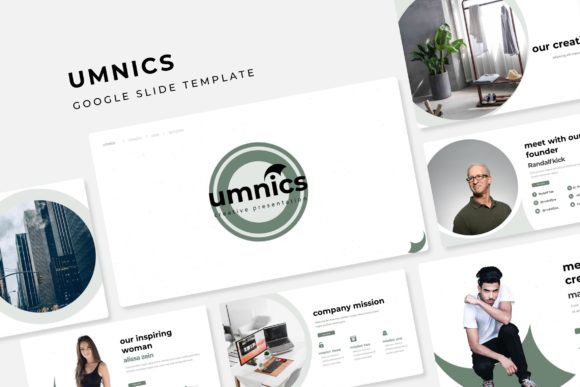
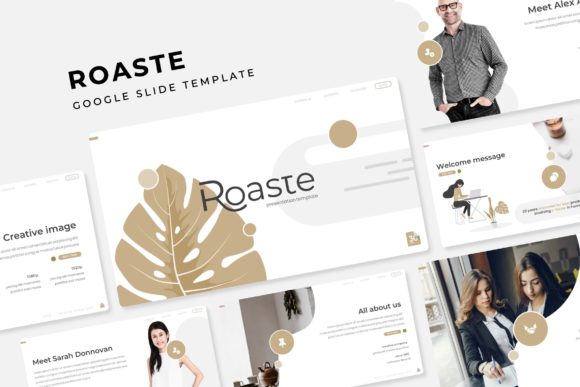
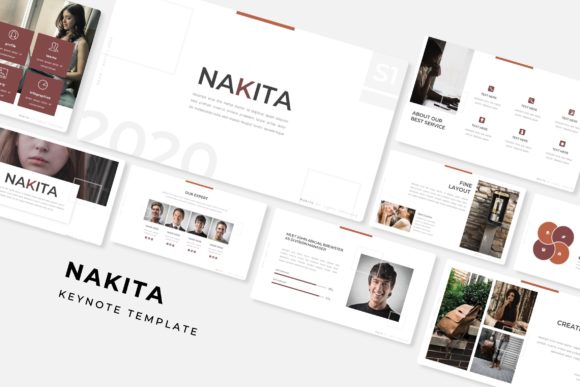
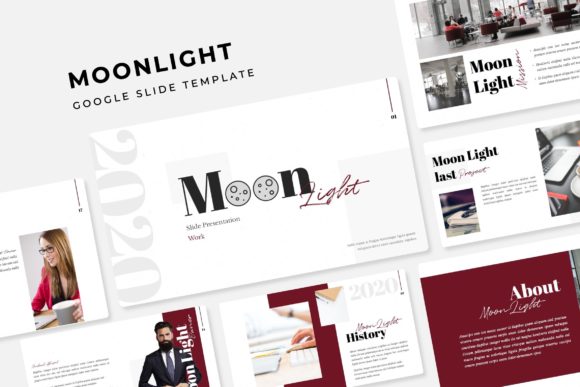
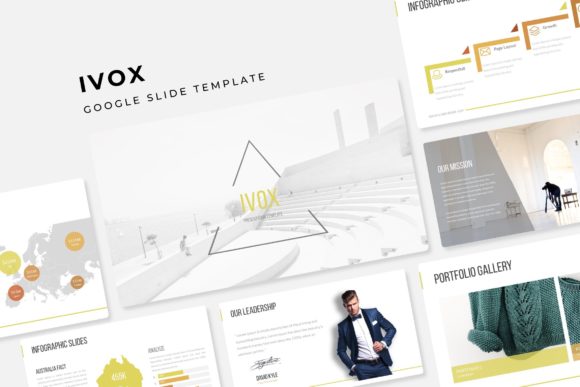
What makes a presentation memorable? It's rarely just the content. It's the visual story, the cohesive flow, and the professional polish that builds trust with your audience. The Ivox template is built on this principle. With 150+ total slides across five distinct, premade color themes, it provides an expansive library of layouts to cover virtually any scenario. You're not just getting 30 slides per color variation; you're getting a toolkit that includes dedicated section break slides to logically organize your narrative, gallery and portfolio slides to showcase visual work beautifully, and a wealth of handcrafted infographics to turn complex data into clear, engaging graphics.
The true power lies in its practicality. Every element is resizable and editable. The graphics are not flattened images; they are built on master slides, meaning you can adjust colors, move components, and scale everything without losing quality. The picture placeholders are a game-changer for speed—simply drag and drop your images into the designated frames. This pixel-perfect illustration approach ensures that whether you're presenting on a laptop screen or a conference projector, your slides look sharp and intentional. It’s the difference between a hastily assembled slideshow and a polished, brand-aligned communication tool.
A Practical Toolkit for Real-World Projects
Let's talk about application. A versatile template like this finds its home in countless professional scenarios. As a designer or creative entrepreneur, you can use it to build stunning portfolio presentations that win clients. The gallery slides are perfect for showcasing photography, illustration, or design work. For small business owners and marketers, it's ideal for creating consistent marketing assets—think quarterly business reviews, product launch decks, or training materials that all share the same professional visual language.
The five premade color palettes are a strategic feature. They allow you to quickly adapt the template to match different brand identities or project moods without starting from zero. Need a bold, energetic deck for a startup pitch? There's a color theme for that. Looking for a calm, sophisticated look for a wellness brand presentation? Another palette fits perfectly. This flexibility makes it a valuable asset for agencies or freelancers who work with multiple clients. You can also use it to create editorial layouts for digital magazines, design compelling invitations for corporate events, or even develop digital products like online course materials or webinar slides.
Making Design Work for You
Having a powerful template is one thing; using it effectively is another. Here’s some practical advice to get the most out of a resource like Ivox. First, start with the Readme First file. It sounds simple, but this document is your roadmap. It details the font used (with a free download link, a huge plus for accessibility) and explains the file structure. Understanding what’s in the five included PPTX files will save you hours of confusion.
Next, think about font pairing and hierarchy. While the template provides a typeface, you can often enhance it. If the primary font is a clean sans-serif for body text, consider using a complementary serif font for headlines to create visual interest and improve readability. The goal is visual consistency—your text should guide the viewer's eye smoothly from title to key points. Test your slides in presentation mode to ensure text is legible from a distance.
Finally, remember the licensing. The note about photographs not being included is standard and important. Always use your own high-quality images or source them from reputable stock sites to avoid legal issues. The template itself is your design asset, a foundation upon which you build your unique message. By customizing the colors, swapping in your own imagery, and tailoring the content, you transform it from a generic template into a powerful extension of your brand identity.
In the end, a tool like the Ivox Google Slide Template is about removing friction from the creative process. It handles the heavy lifting of layout, consistency, and professional aesthetics, freeing you to focus on what truly matters: your story, your message, and your connection with the audience. It’s a practical investment for anyone who believes that how you present your ideas is just as important as the ideas themselves.