Streamline Your Next Presentation with the Masano Template
There is a specific kind of frustration that sets in when you open a blank presentation slide. You have the data, you have the strategy, but arranging text boxes, aligning images, and choosing color palettes often turns a one-hour task into an all-day ordeal. For professionals who need to deliver high-impact visual stories—whether pitching to investors, onboarding new clients, or teaching a complex concept—the "blank canvas" paralysis is real. This is where a robust design asset like the Masano Google Slide Template shifts the workflow from tedious assembly to creative curation. It provides the structural backbone so you can focus entirely on your message.
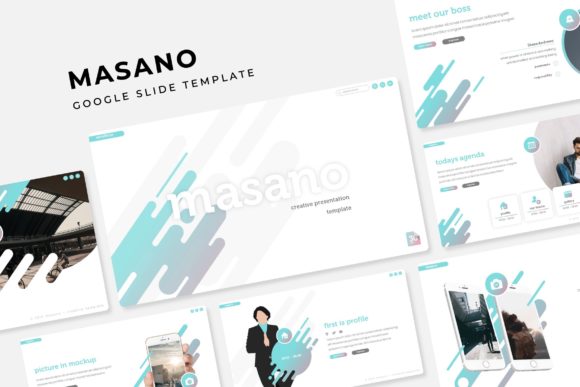
The core value of this asset lies in its sheer volume and versatility. With over 150 total slides, the Masano collection ensures that you rarely have to build a layout from scratch. It is not just a single set of slides; it is a comprehensive toolkit built on five premade color themes, offering 30 distinct slides for each variation. This structure allows you to match the template to your specific brand guidelines without needing to manually recolor every element. Whether your brand identity calls for a bold, high-contrast palette or a muted, corporate aesthetic, the groundwork is already laid.
Visual Impact Through Handcrafted Design
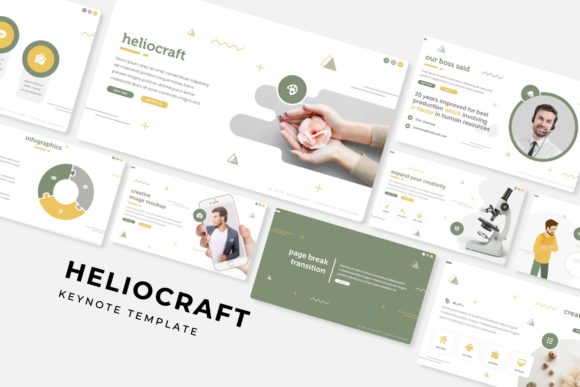
One of the standout features of the Masano template is the inclusion of handcrafted infographics. In a digital landscape saturated with generic clip art, custom illustrations offer a distinct competitive edge. These are not just decorative elements; they are communication tools designed to simplify complex data. For marketers and educators, the ability to present statistics, timelines, and processes using unique visual language significantly improves audience engagement. When viewers see pixel-perfect illustrations rather than standard PowerPoint shapes, it signals a level of professionalism and attention to detail that builds trust.
The template also addresses the common pain point of image integration. We have all seen presentations where images are stretched, cropped awkwardly, or pixelated. The Masano design utilizes picture placeholders that allow for drag-and-drop functionality. This means you can take a high-resolution photo from your library, drop it into the designated area, and it automatically resizes to fit the frame perfectly. This feature alone saves hours of formatting time and ensures that your visual assets maintain their quality, regardless of the device or screen size on which they are displayed.
Practical Applications for Modern Professionals
While the Masano template is built for Google Slides, its utility extends far beyond simple slide decks. The versatility of the 150+ layouts makes it a powerful asset for a variety of creative and commercial projects. It is particularly useful for those who need to maintain visual consistency across different mediums.
- Brand Identity and Pitch Decks: For startups and small businesses, a consistent visual identity is crucial. Using the Masano template allows you to create pitch decks that align perfectly with your website and social media graphics. The clean typography and modern layout structure help reinforce brand recognition every time you share a file.
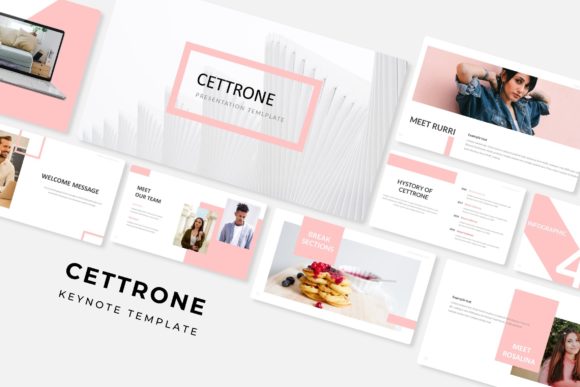
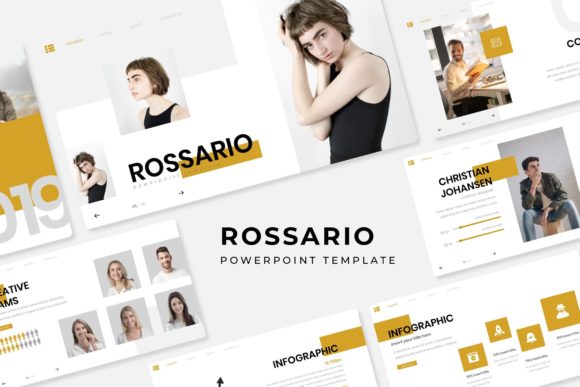
- Editorial and Content Layouts: Content creators and bloggers can repurpose these slides for digital lookbooks or media kits. The gallery and portfolio slide layouts are specifically designed to highlight visual work, making them ideal for photographers, interior designers, or artists looking to showcase their best pieces in a sleek, organized format.
- Corporate Training and Education: The section break slides are a subtle but powerful feature. They provide a visual pause for the audience, signaling a shift in topic. This improves information retention and keeps the narrative flow organized, which is essential for training modules or educational workshops.
- Marketing Assets: Because the graphics are resizable and editable, you can extract specific elements—like a unique chart style or a custom icon—and use them in social media graphics or email newsletters. This ensures that your marketing assets feel cohesive, even if they aren't all presented in a slide format.
Optimizing Your Workflow with Master Slides
Efficiency is the primary driver behind using a premium template, and the Masano template is built on a Master Slide architecture. Understanding how to leverage this feature is key to getting the most out of the asset. Master Slides act as the "source code" for your presentation. If you want to change the font used across all 150+ slides, you don't need to edit them one by one. You simply edit the Master Slide, and the change cascades throughout the entire document.
This architecture is particularly helpful when dealing with typography. The template utilizes free fonts, with download links included in the package. This removes the licensing guesswork often associated with premium design assets. When you download the fonts and install them, the text placeholders are ready to render exactly as the designer intended. However, if a specific typeface doesn't suit your brand voice, the Master Slide system allows you to swap it out for a sans serif, serif, or script font of your choice without breaking the layout.
Technical Flexibility and File Management
The package includes five PPTX files for widescreen formats. While the primary format is Google Slides, having the PowerPoint (PPTX) files included is a significant advantage. It provides a backup option for offline editing or for collaborating with clients who may strictly use Microsoft Office. The widescreen aspect ratio (16:9) is the current standard for most displays and projectors, ensuring your content looks crisp and fills the screen without black bars.
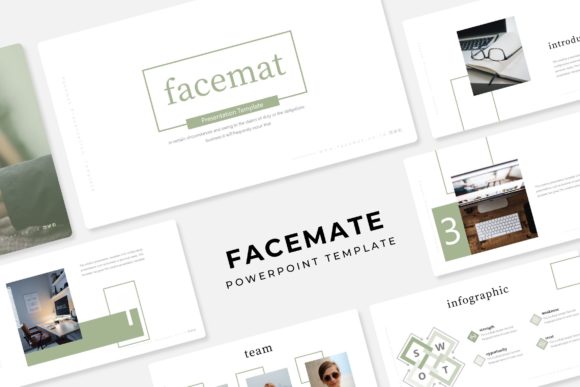
It is important to note the distinction between the design structure and the content. The photographs and pictures used in the preview are for illustration purposes only and are not included in the download. This is standard practice in the industry and actually works in your favor. It encourages you to use your own high-quality imagery, which is essential for authentic branding. A template filled with stock photos can feel generic; a template filled with your own team photos, product shots, or custom illustrations becomes a powerful brand statement.
Matching Design to Project Goals
Choosing the right visual asset often comes down to the specific goal of the project. If your goal is to establish authority, the clean lines and structured grids of the Masano template provide a sense of order and competence. If your goal is to inspire creativity, the handcrafted infographics and color variations offer enough flair to make the content feel dynamic without being distracting.
For those involved in packaging design or merchandise, the slides can serve as excellent mood boards. You can drag and drop texture samples, color swatches, and typography tests onto the slides to see how they interact with one another before committing to a final production run. This "digital sandbox" approach saves money on physical proofs and allows for rapid iteration.
Ultimately, the Masano Google Slide Template serves as a bridge between a raw idea and a polished product. It handles the heavy lifting of layout, alignment, and color theory, freeing up your mental bandwidth to focus on the story you need to tell. By utilizing the premade color variations and editable graphics, you can ensure that your next presentation, portfolio, or digital asset looks like it was custom-designed by a professional agency, even if you built it yourself in an afternoon.